
Every Call, Fully Documented
From the moment dispatch tones out to the final report, Command Established keeps a complete record of every incident your department runs. Capture the details that matter, document who responded with what, and submit to the National Emergency Response Information System (NERIS) without re-entering a single field.
One List for Every Run
The incident list gives you every call your department has responded to, newest first. Filter by incident type, date range, or station, and search to find a specific run in seconds. Each entry shows the essentials at a glance—type, address, alarm time, and reporting status—so you always know what's logged and what still needs a report.
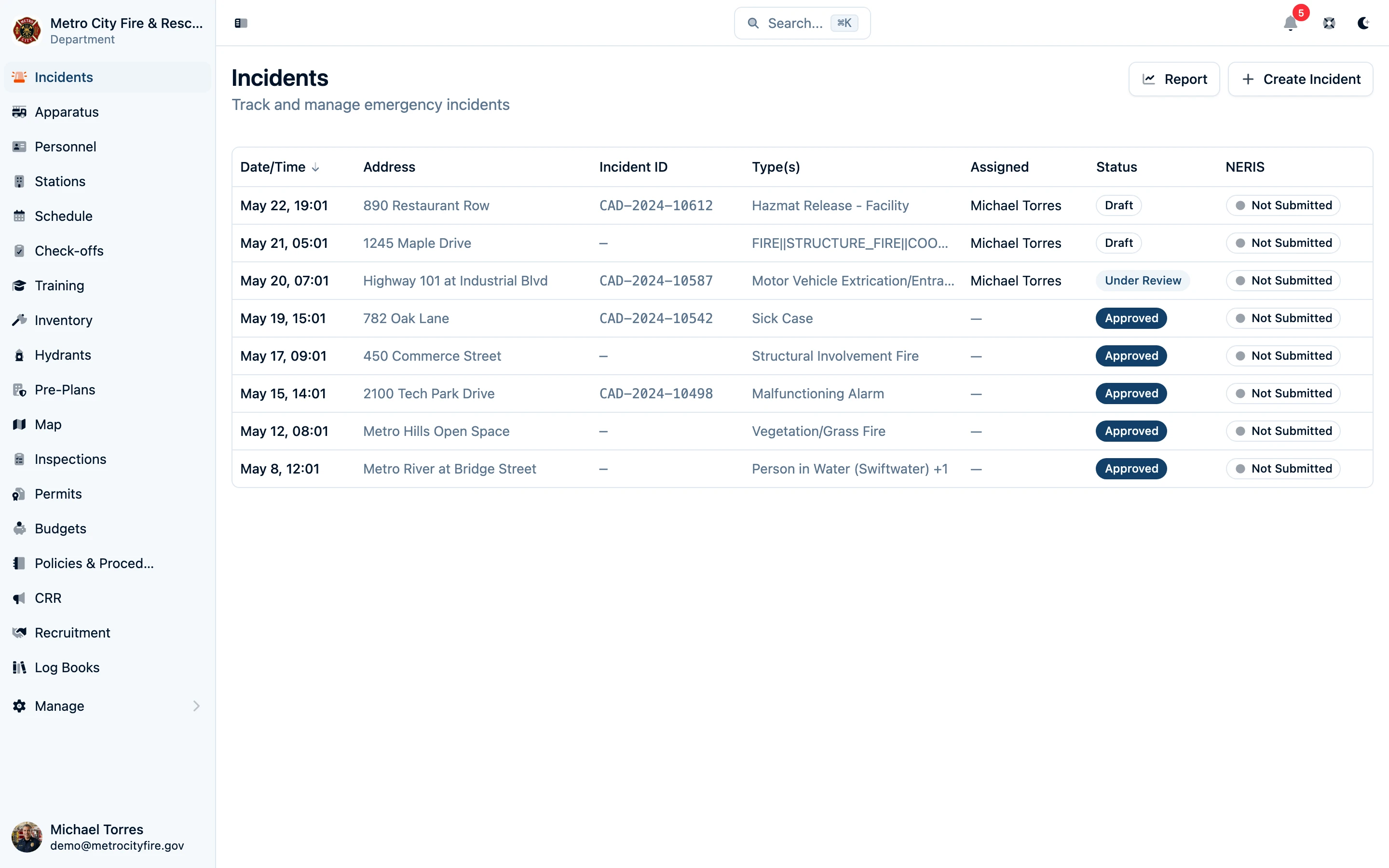
The incident list—every run your department has answered, filterable and searchable.
Capture the Full Picture
Each incident record is organized into tabs so the right detail is always a click away:
- Basic info — type, location, alarm and clear times, narrative, and the dispatch details that frame the call.
- Details — the type-specific information NERIS asks for, from fire cause and arrival conditions to rescue and casualty data, surfaced only when the incident type calls for it.
- Resources — the apparatus and personnel that responded, so your run record reflects exactly who was on the call.
- Files — photos, documents, and supporting materials attached directly to the incident and accessible from anywhere.
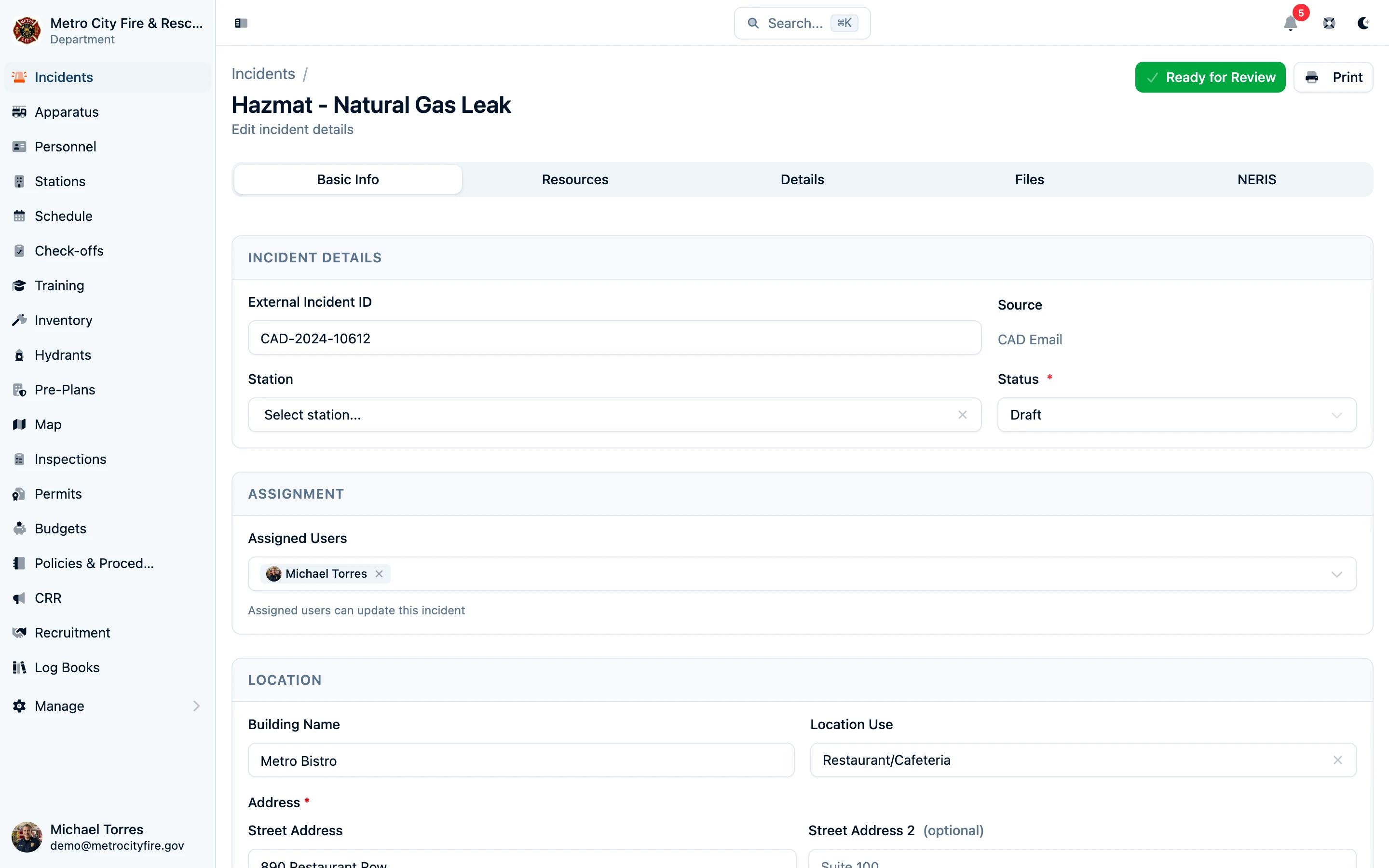
The incident detail page captures everything a complete report needs—organized, not overwhelming.
Import From Your CAD—Let the Software Do the Typing
Connect your CAD and incidents flow straight into Command Established. Dispatch emails are parsed automatically with AI assistance, turning the raw CAD output into a structured incident with the times, type, and location already filled in. Your members start from a head start instead of a blank form—review the suggested details, add what only a responder would know, and the report is most of the way done before anyone touches a keyboard.
Document Who Responded
The Resources tab records the apparatus and personnel that answered the call. Assign units and members to the incident and you've captured your response roster—useful for accountability, for ISO documentation, and for the staffing data that backs up your reports. When a call involves another agency, mutual aid given and received is tracked right on the incident.
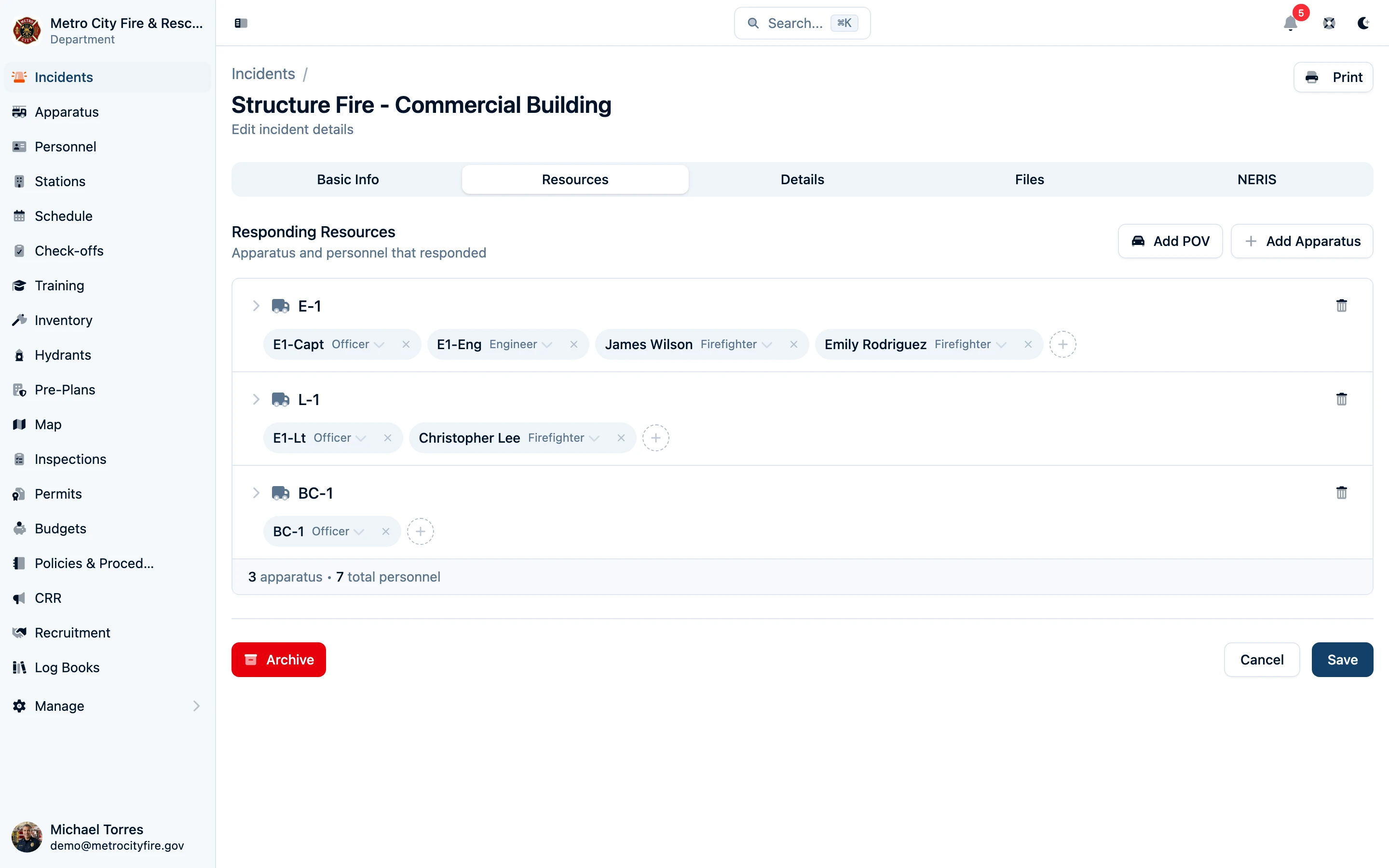
Document the apparatus and personnel on every call—your response roster, captured automatically.
NERIS Reporting, Built In
Command Established is built around NERIS from the ground up. As you complete an incident, the data is already structured the way the National Emergency Response Information System expects—so generating and submitting a report is a step, not a project. Apparatus types, incident types, and detail modules are mapped to NERIS, which means no separate spreadsheet, no double entry, and no end-of-month scramble.
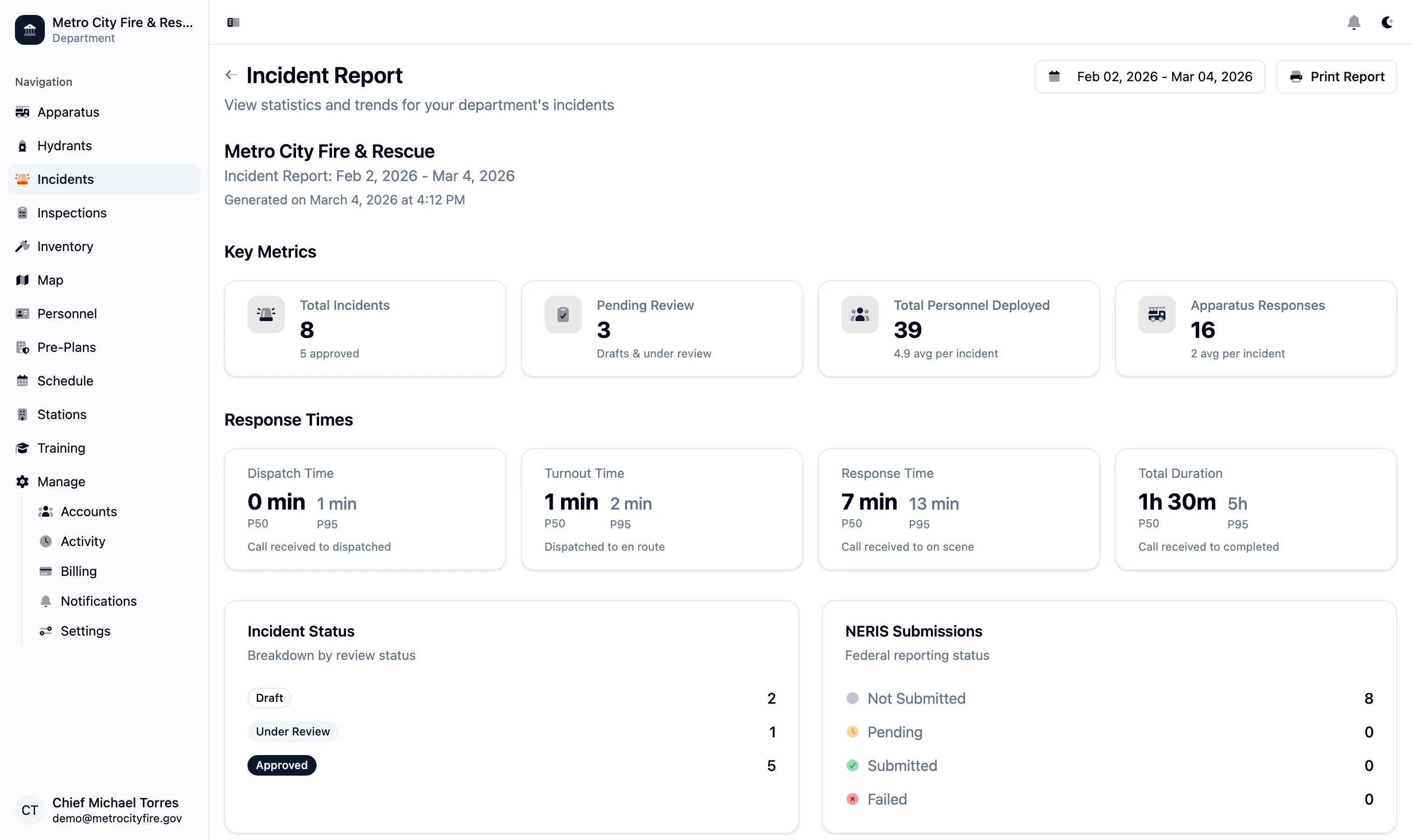
A complete, NERIS-ready report generated from the data you already entered.
Migrating from NFIRS? If your department has years of incident history in an NFIRS system or another RMS, we'll help you bring it over. Contact us and we'll work with you so your history comes with you.