
Manage Your Entire Fleet in One Place
Command Established keeps complete records for every unit in your department—specs, NERIS type mapping, pump and aerial tests, and equipment assignments. Your entire fleet, organized and accessible.
Your Entire Fleet in One Place
The Apparatus module gives you a centralized list of every unit in your department—engines, tankers, rescues, aerials, and support vehicles. Switch between card and table views, filter by station or apparatus type, and find any unit in seconds.
Each apparatus record tracks the unit number, designation, station assignment, and current status. If your department operates out of multiple stations, apparatus is organized by station so you always know what's where.
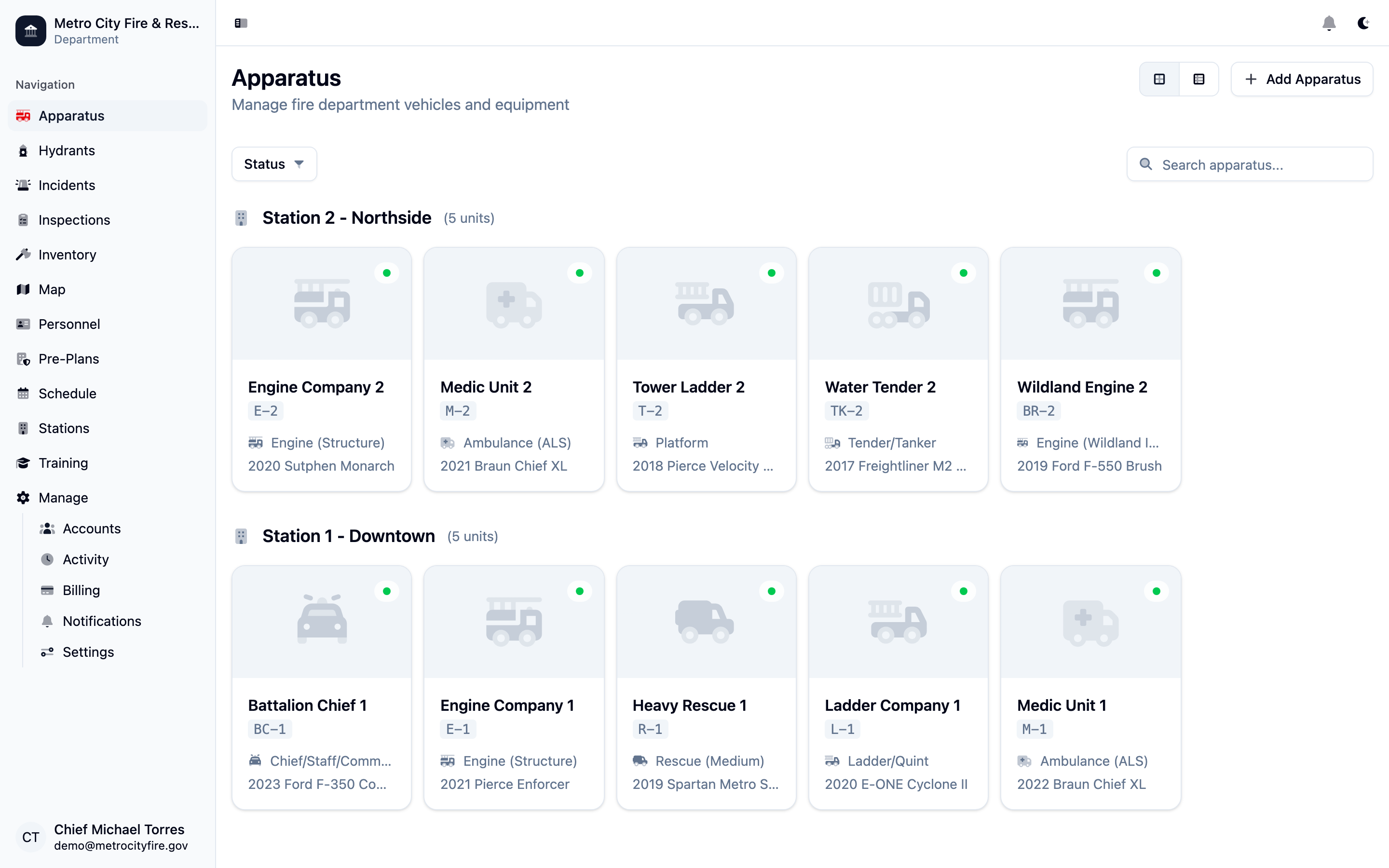
The apparatus list view—every unit in your fleet with station assignments and apparatus types at a glance.
Detailed Records for Every Unit
Each apparatus detail page captures the full picture: year, make, model, VIN, license plate, pump capacity, tank size, and aerial height. NERIS apparatus type mapping is built in—so when you submit incident reports to the National Emergency Response Information System, your apparatus data is already correctly classified.
Attach photos to any apparatus record. Whether it's a unit profile shot or documentation of a damage assessment, images are stored directly in the record and accessible from anywhere.
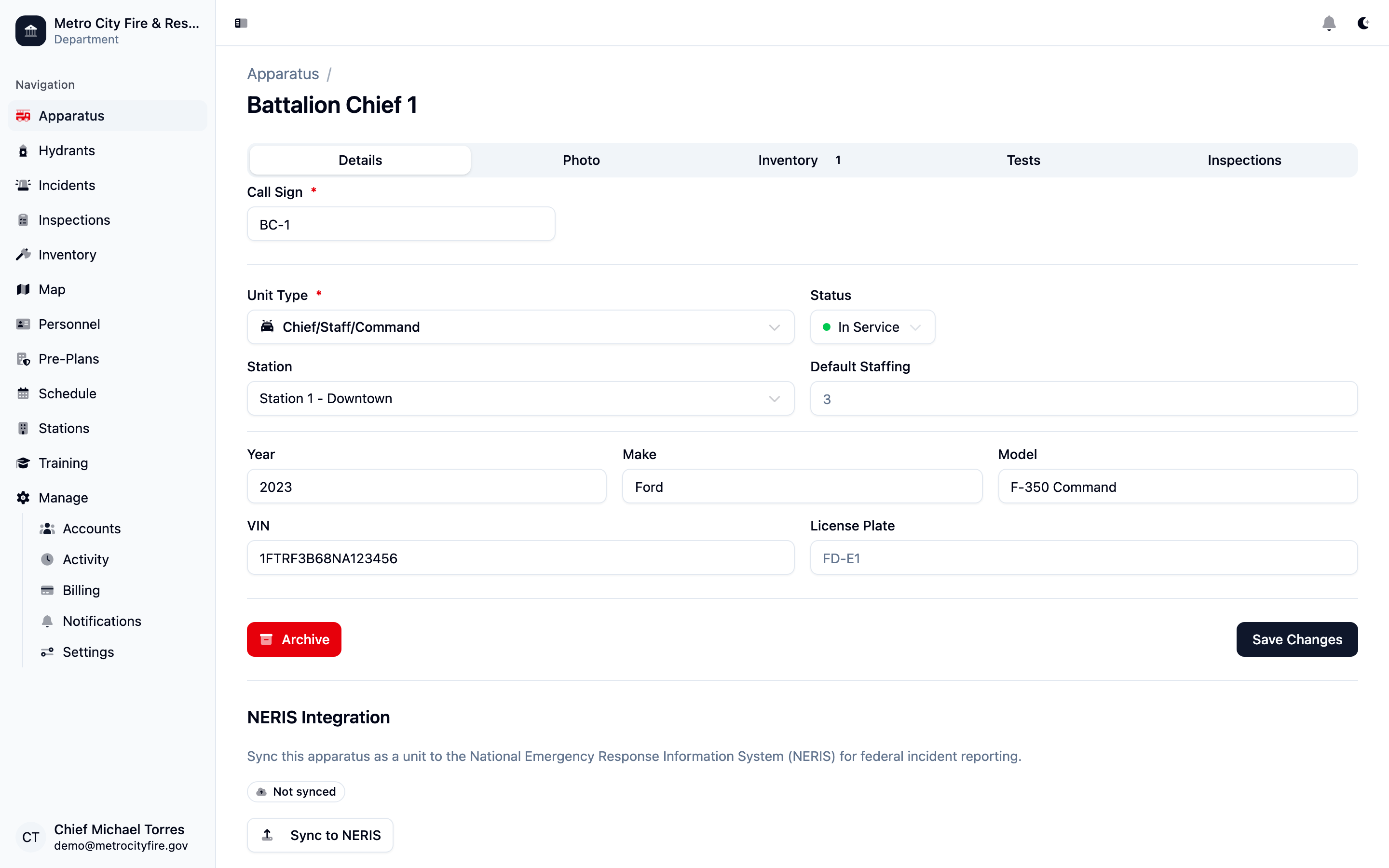
The apparatus detail page with unit specs and NERIS type mapping for federal incident reporting.
Log and Track Pump and Aerial Tests
The apparatus Tests tab keeps a complete history of every test conducted on each unit. Log pump test results and aerial ladder tests directly against the apparatus—with test date, results, and notes.
Compliance with NFPA testing requirements is easier when every test record is attached to the unit it applies to. When it's time for the next test cycle, your history is right there—no digging through binders or spreadsheets.
Equipment Assigned to Each Unit
The Inventory tab on each apparatus shows exactly what equipment is assigned to that unit. See every item carried on Engine 1, Rescue 3, or any other apparatus in your fleet—with quantities, conditions, and assignment details.
When equipment is moved between units or sent for repair, the assignment is updated in the inventory record. Your apparatus loadout is always current and auditable.
Note: Need to migrate existing apparatus records? If your department has apparatus records in spreadsheets or another system, we'll help you bring them over. Contact us and we'll work with you to import your existing fleet data so you're not starting from scratch.